A CCTV system is only as effective as its maintenance. Dust-covered lenses, outdated firmware, loose cables, and failing hard drives can reduce image quality or even stop your surveillance system from recording when you need it most. Whether you're protecting a home, office, warehouse, retail store, school, or industrial facility, following a regular CCTV maintenance checklist helps maximize uptime, extend equipment life, and ensure reliable security.
Key Takeaways
Clean camera lenses and housings regularly to maintain clear image quality.
Check cables, power supplies, storage devices, and network connectivity every month.
Keep firmware and surveillance software updated for improved security and performance.
Test recording, playback, motion detection, and remote viewing periodically.
Prevent costly failures with scheduled preventive maintenance instead of reactive repairs.
Why Regular CCTV Maintenance Is Important
A surveillance system works continuously, often 24/7. Over time, environmental conditions, power fluctuations, network issues, and hardware wear can affect its performance.
Routine maintenance helps you:
Improve image clarity
Reduce unexpected system failures
Extend equipment lifespan
Ensure uninterrupted recording
Detect hardware issues before they become critical
Maintain cybersecurity through firmware updates
Reduce long-term maintenance costs
According to the Cybersecurity and Infrastructure Security Agency (CISA), keeping connected devices updated is one of the most effective ways to reduce cybersecurity risks in networked systems.
Common Signs Your CCTV System Needs Maintenance
Your surveillance system may require immediate attention if you notice:
Blurry video
Missing recordings
Frequent camera disconnections
Storage errors
Flickering images
Water inside camera housing
Delayed live view
False motion alerts
Unusual hard drive noises
CCTV Camera Maintenance Checklist
Follow this checklist monthly or quarterly, depending on the size and criticality of your surveillance system.
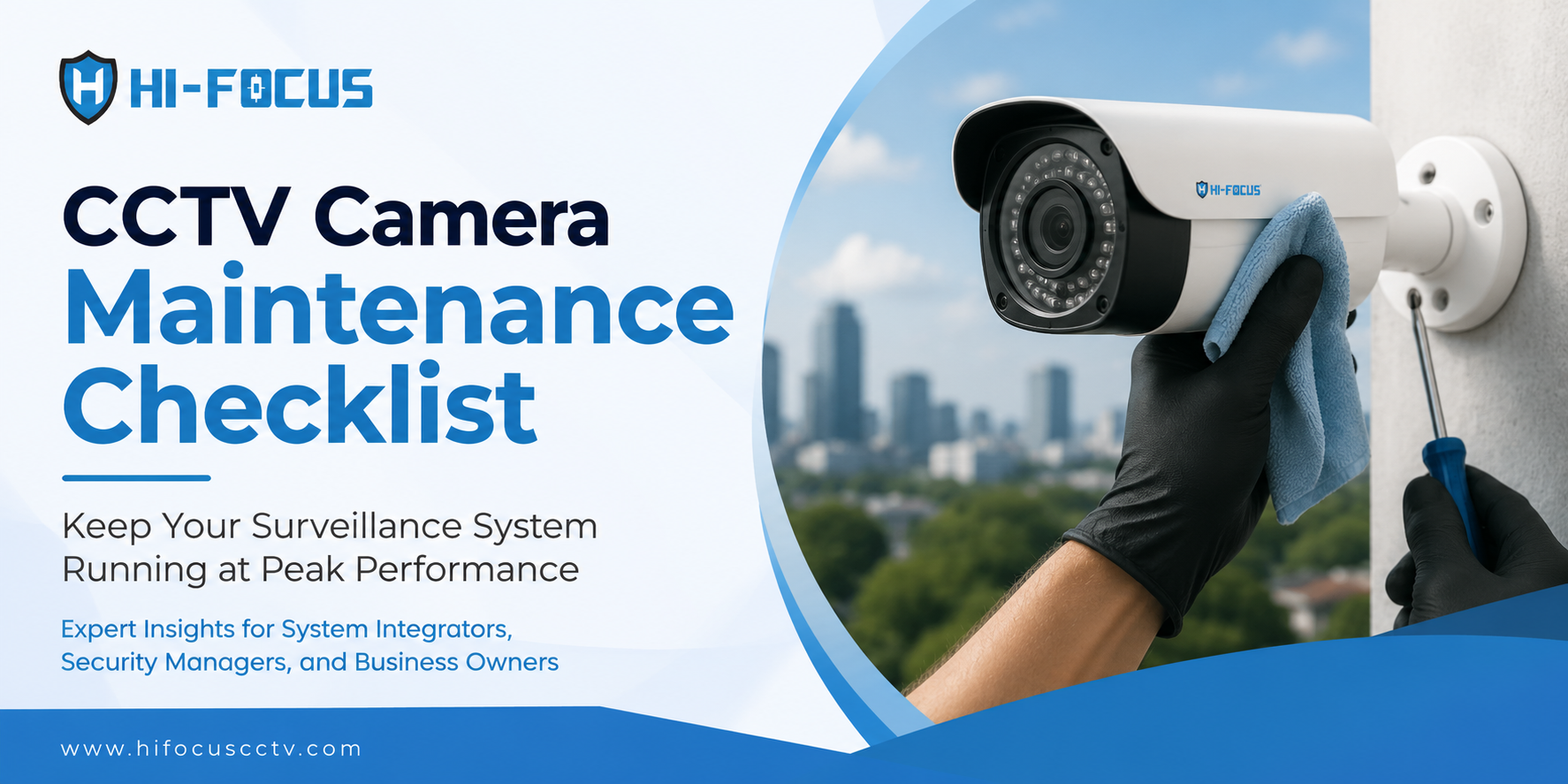
1. Clean Camera Lenses
Clean lenses regularly because dust, fingerprints, insects, and moisture can significantly reduce image quality.
Inspect every camera and gently clean lenses using a microfiber cloth and approved lens cleaning solution.
Avoid:
Tissue paper
Abrasive cloth
Household cleaning chemicals
2. Inspect Camera Position and Viewing Angles
Even properly installed cameras can shift due to vibration, wind, accidental impact, or maintenance work.
Verify that every camera still covers:
Entry points
Parking areas
Corridors
Critical assets
Perimeter fencing
3. Check Night Vision Performance
Infrared LEDs gradually lose effectiveness if covered by dirt or damaged.
Perform night-time testing to verify:
IR illumination
Low-light image quality
Overexposure
Reflection from nearby objects
4. Test Video Recording
A working camera doesn't always mean footage is being recorded.
Verify:
Continuous recording
Scheduled recording
Motion recording
Event recording
5. Inspect Storage Health
Hard drives operate continuously and eventually wear out.
Check:
HDD health status
Available storage capacity
Recording retention period
Recording overwrite settings
RAID health (if applicable)
The National Institute of Standards and Technology (NIST) recommends monitoring storage integrity for systems handling security-related data.
6. Update Firmware and Software
Firmware updates improve stability, cybersecurity, compatibility, and new feature support.
Update:
IP Cameras
NVR
DVR
Video Management Software
Mobile applications
Always use firmware provided by the equipment manufacturer.
7. Verify Network Connectivity
For IP surveillance systems, network performance directly affects recording quality.
Inspect:
Ethernet cables
PoE switches
Router connections
Internet availability
Bandwidth utilization
High packet loss can cause:
Frozen images
Recording gaps
Delayed live view
8. Check Weatherproof Seals
Outdoor cameras should remain protected against:
Rain
Dust
Humidity
Insects
Inspect:
Rubber gaskets
Cable glands
Housing seals
Mounting brackets
9. Verify Remote Viewing
Remote monitoring is only useful if it works when needed.
Test:
Mobile app access
Browser login
Live streaming
Playback
Notifications
CCTV Maintenance Schedule
Maintenance Task | Recommended Frequency |
Clean camera lenses | Monthly |
Check recording | Weekly |
Verify remote viewing | Monthly |
Inspect cables | Quarterly |
Update firmware | Every 3–6 months |
Test motion detection | Monthly |
Check storage health | Monthly |
UPS battery testing | Every 6 months |
Full preventive inspection | Annually |
Best Practices to Extend CCTV System Life
Following these best practices improves long-term reliability:
Install cameras securely.
Use surge protection.
Keep firmware updated.
Maintain adequate storage capacity.
Clean outdoor cameras more frequently.
Replace aging hard drives proactively.
Schedule annual professional inspections.
Monitor system health reports regularly.
Choosing Reliable CCTV Equipment Matters
Even the best maintenance routine cannot compensate for poor-quality surveillance equipment. Selecting reliable cameras, recorders, and software from the beginning helps reduce maintenance requirements and improve long-term performance.
HiFocus offers a comprehensive portfolio of surveillance solutions designed for residential, commercial, and enterprise environments, including:
If you're planning a new installation or upgrading an existing surveillance system, choosing dependable hardware and following a preventive maintenance schedule can significantly improve long-term reliability.
Why Choose HiFocus for Reliable Surveillance Solutions?
HiFocus is a Chennai-based Indian CCTV brand offering advanced video surveillance solutions for homes, businesses, educational institutions, healthcare facilities, industrial sites, and government projects across India. With a growing portfolio of STQC-certified IP cameras, intelligent surveillance technologies, and comprehensive software solutions, HiFocus helps organizations build dependable security systems that are easier to manage and maintain.
Whether you're expanding an existing surveillance network or planning a new deployment, the HiFocus team can help you select the right products and architecture for your security requirements.
Need expert guidance? Visit the HiFocus Contact Page to connect with the team.
Conclusion
A CCTV system protects people and property only when it is functioning properly. Regular maintenance ensures clear video quality, uninterrupted recording, healthy storage, updated cybersecurity, and reliable system performance. By following a preventive CCTV maintenance checklist, homeowners and businesses can reduce downtime, lower repair costs, and maximize the value of their surveillance investment.
Frequently Asked Questions
1. How often should CCTV cameras be maintained?
Most CCTV systems should undergo a basic inspection every month and a comprehensive preventive maintenance check every 6–12 months. Outdoor installations may require more frequent cleaning due to dust and weather exposure.
2. How do I clean a CCTV camera lens?
Use a microfiber cloth and a camera-safe lens cleaning solution. Avoid paper towels, abrasive materials, or household cleaning chemicals that may scratch the lens coating.
3. How long do CCTV cameras typically last?
Quality CCTV cameras generally last 5–10 years, depending on environmental conditions, usage, maintenance, and hardware quality. Regular servicing can help extend their operational lifespan.
4. Why is my CCTV camera recording blurry footage?
Blurry footage is often caused by dirty lenses, incorrect focus, moisture inside the housing, poor lighting, or camera movement. Regular inspection helps identify and resolve these issues quickly.
5. Why should firmware updates be installed?
Firmware updates improve device security, fix software bugs, enhance compatibility, and often introduce new features. Keeping surveillance devices updated is an important cybersecurity best practice.
6. What is included in a CCTV preventive maintenance checklist?
A complete checklist includes cleaning cameras, testing recording, inspecting cables, checking storage health, updating firmware, verifying remote viewing, testing power backup, and ensuring all cameras maintain proper coverage.