

In an era where security and connectivity are inextricably linked, smart WiFi cameras have become one of the most preferred surveillance solutions for homes, small offices, and retail spaces. Easy installation, remote access, and intelligent alerts have made WiFi-based CCTV systems a practical alternative to traditional wired setups.
HI-FOCUS, a trusted CCTV camera brand in India, offers a wide range of Smart WiFi CCTV Cameras designed to deliver reliable security without complexity. This guide explains how WiFi cameras work, what to look for before buying, how to set them up correctly, and how to use them securely.
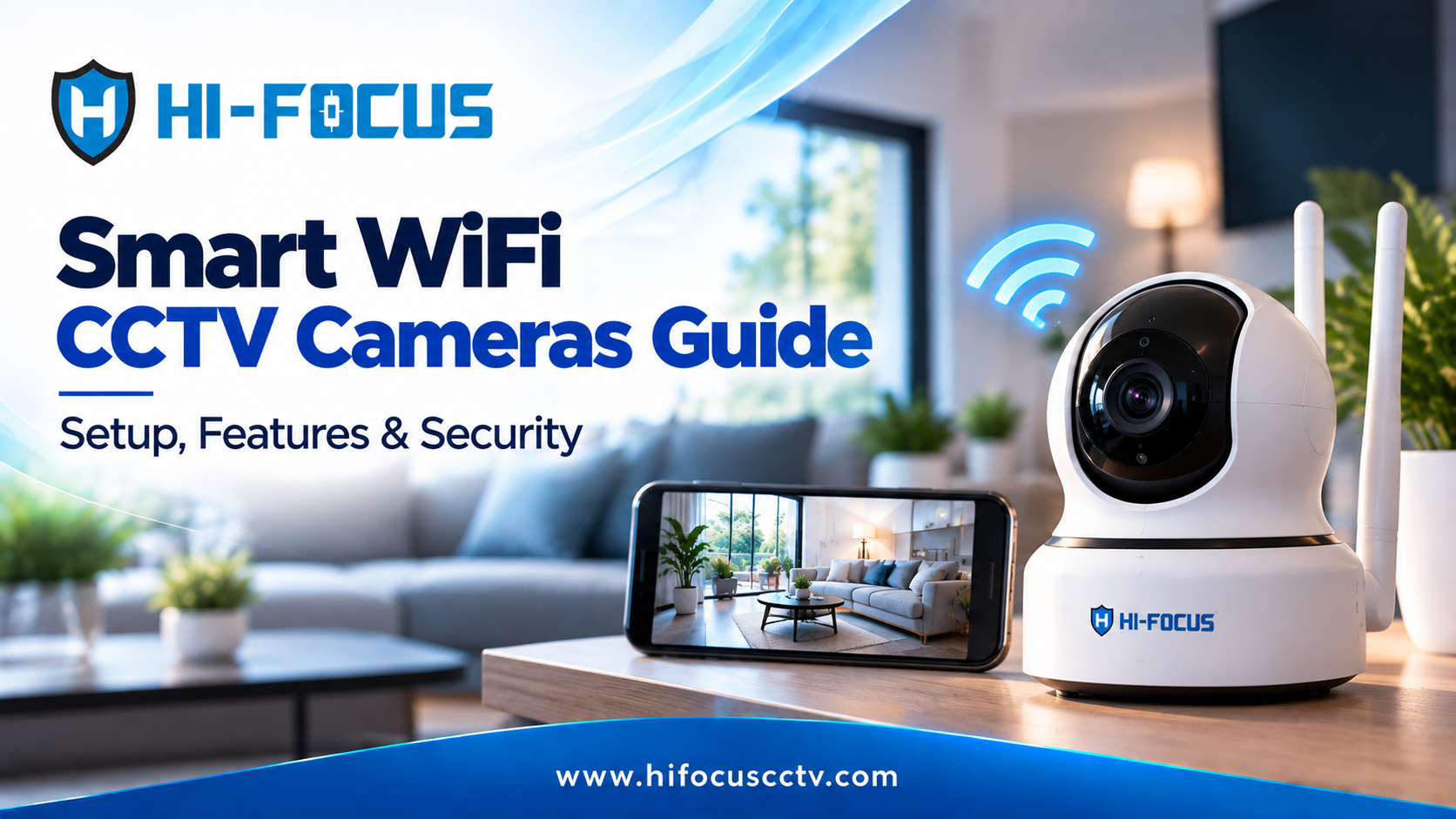
What Is a Smart WiFi Camera and How Does It Work?
A smart WiFi camera connects directly to your internet network and allows live viewing, recording, and alerts through a mobile app or web interface. Unlike traditional CCTV systems, WiFi cameras do not require extensive cabling or DVRs, making them ideal for quick deployment.
Once connected, the camera:
Streams live video to your smartphone
Sends motion or sound alerts in real time
Stores footage on cloud servers or local SD cards
Allows two-way communication if audio is supported
According to Statista, the global smart home security market is projected to exceed USD 60 billion by 2028, with WiFi cameras being one of the fastest-growing segments.
Why Smart WiFi Cameras Are Ideal for Homes and Small Businesses
Smart WiFi cameras are no longer limited to basic monitoring. They now offer features that actively prevent incidents rather than just recording them.
Key Benefits
Remote Monitoring: View live footage anytime using a smartphone or laptop.
Instant Alerts: Motion detection notifications help you respond quickly.
Two-Way Audio: Speak to visitors or warn intruders in real time.
Flexible Storage: Choose between cloud storage or local SD card recording.
Smart Integration: Compatible with modern smart home ecosystems.
Essential Features to Look for in a Smart WiFi CCTV Camera
Here are the most important features to evaluate:
Video Resolution and Image Quality
Always choose Full HD (1080p) or higher for clear identification of faces and objects.
Night Vision Performance
Infrared night vision is essential for 24x7 monitoring, especially for entrances and outdoor areas.
Motion Detection Accuracy
Advanced motion detection with adjustable sensitivity helps reduce false alerts.
Field of View
Wide-angle lenses ensure better area coverage with fewer cameras.
Storage Options
Cloud Storage: Secure and accessible from anywhere
Local Storage: Cost-effective with SD card support
Weather Protection
For outdoor use, cameras should meet IP65 or higher weather resistance standards.
HI-FOCUS Smart WiFi Cameras: Built for Indian Conditions
HI-FOCUS offers a reliable portfolio of WiFi Smart CCTV Cameras designed for Indian homes and businesses. These cameras focus on ease of use, stable performance, and long-term durability.
Popular Smart WiFi Camera Options from HI-FOCUS
3MP BULLET 4G WIFI IP CAMERA - Ideal for outdoor monitoring with weather protection
4MP WiFi outdoor Camera - Discreet outdoor surveillance with wide-angle coverage
3MP WiFi PT Indoor Camera - Pan and tilt functionality for large rooms
Step-by-Step Guide: How to Set Up a Smart WiFi Camera
Installing a smart WiFi camera is straightforward if done correctly.
Choose the Right Location: Place the camera in a spot with a clear view of the desired area. For outdoor cameras, ensure it’s sheltered from extreme weather.
Connect to Power: Plug the camera into a power source unless it’s battery-operated.
Install the App: Download the manufacturer’s app on your smartphone and create an account.
Connect to WiFi: Follow the app’s instructions to pair the camera with your home WiFi network. Use a strong and secure network.
Mount the Camera: Use the included hardware to securely attach the camera to walls, ceilings, or other surfaces.
Test the Camera: Ensure the camera’s live feed works properly and adjust the angle if necessary.
Best Practices to Secure Your Smart WiFi Camera
Follow these practices to protect your system:
Change default usernames and passwords immediately
Enable two-factor authentication in the app
Keep firmware updated to prevent vulnerabilities
Secure your home WiFi network with WPA3 encryption
Regularly review device access logs
Common Questions About Smart WiFi Cameras
Can WiFi cameras work without the internet?
Some cameras support local recording, but live viewing and alerts require an internet connection.
How much internet bandwidth is needed?
A 1080p WiFi camera typically consumes 1–3 Mbps during live streaming.
Are WiFi cameras safe from hacking?
Yes, when secured properly using encryption, strong passwords, and regular updates.
Final Thoughts
Smart WiFi cameras offer a practical, modern approach to security. When chosen and installed correctly, they provide real-time visibility, proactive alerts, and peace of mind. Whether you are upgrading home security or securing a small commercial space, HI-FOCUS Smart WiFi CCTV Cameras deliver dependable performance backed by expert support.
Ready to Upgrade Your Security?
Get a Quote for Smart WiFi CCTV Cameras or Contact us today for expert guidance!