

Covers how WiFi CCTV Cameras Work, Indoor vs. outdoor, PT and Dual-lens, Home vs. business, and a Selection Checklist
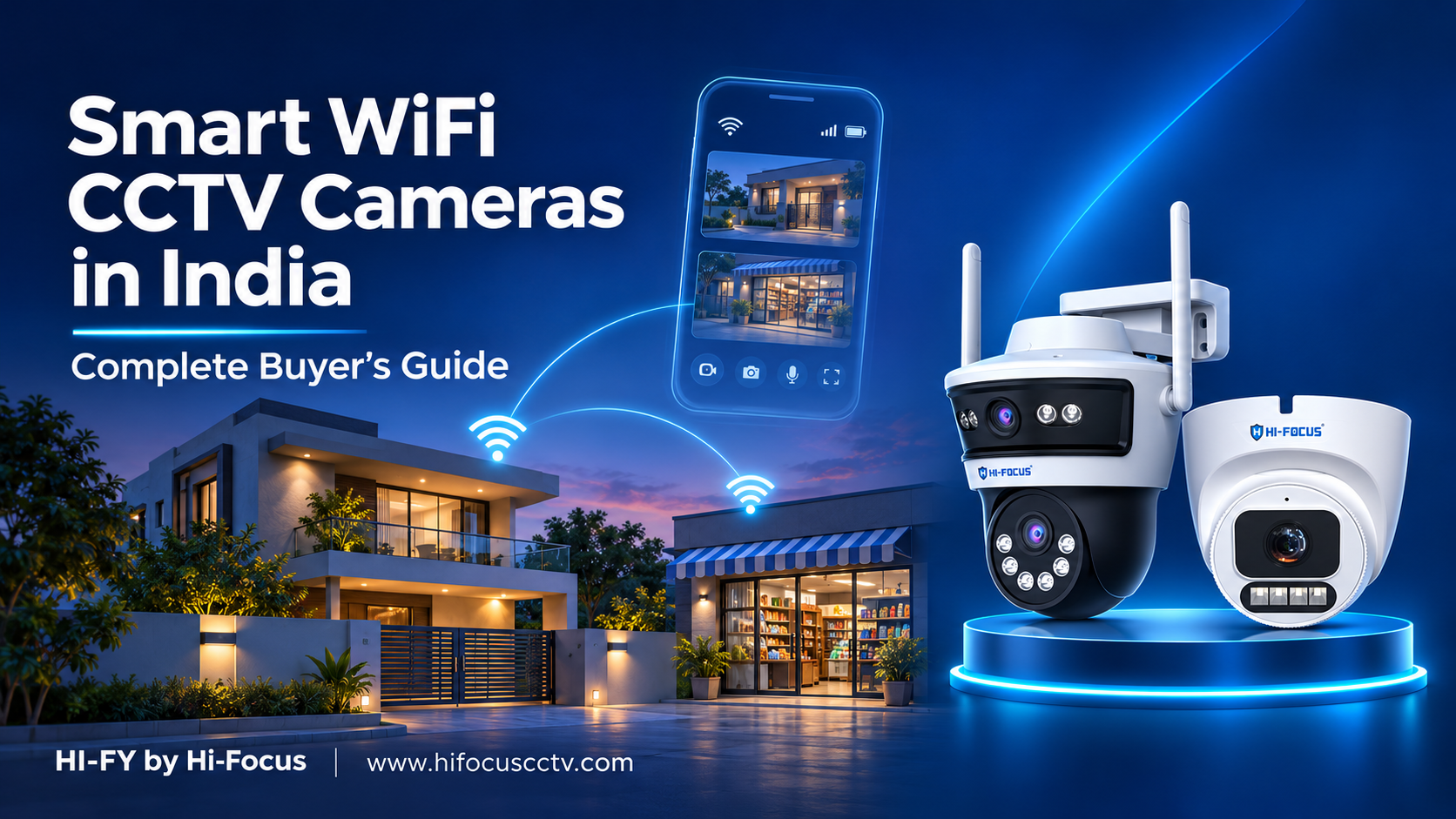
Smart WiFi CCTV cameras let you watch your home, shop or site from your phone without long cable runs or a recorder. They connect to your router, stream live video and send an alert when something moves. Choosing one is harder than it looks, because models differ in coverage, weather protection, connectivity and storage. This guide explains how smart WiFi CCTV cameras work, how indoor and outdoor models differ, when a pan tilt or dual lens camera makes sense, and what homes and businesses should check before buying. Use it as a simple checklist for a flat, a factory or a farmhouse.
Key Takeaways
Smart WiFi CCTV cameras need a router and power, but no DVR and no long cabling.
Outdoor models need weather protection such as IP66 and night vision that matches your distance.
Pan tilt and dual lens cameras cover more area with fewer units.
Where there is no broadband, a 4G SIM CCTV camera is the better choice.
Pick cameras with BIS-ER and STQC compliance, plus SD card and cloud storage.
How smart WiFi CCTV cameras work
A smart WiFi CCTV camera joins your router, sends video over the internet and shows it in a mobile app. You get live view, playback and alerts. Footage saves to an SD card in the camera, to the cloud, or both, so it works as a camera without NVR. Most models still need a power adapter, so “wireless” describes the video connection, not the power.
Dual-band WiFi helps in apartments, because the 5GHz band is usually less crowded than 2.4GHz. Two-way audio lets you speak to a visitor through the camera, and AI human detection cuts alerts caused by pets, shadows and passing vehicles.
Indoor vs outdoor cameras
Indoor cameras suit living rooms, shops, reception areas, classrooms and storerooms. They are compact and usually pan tilt, with no weather rating. Outdoor WiFi cameras face rain, dust and heat, so look for an IP66 rating or higher and night vision that reaches your gate or parking area. HI-FY outdoor models, for example, offer infrared night vision up to 30 metres and white light up to 20 metres.
Outdoor cameras also need a steady signal. If your router is far away, move it closer or add a signal extender. If WiFi simply cannot reach, choose a 4G model.
Pan-tilt and dual-lens cameras
A WiFi pan-tilt camera rotates about 350 degrees and tilts, so one unit can cover a whole room or yard. It still looks in one direction at a time. A dual lens WiFi camera has two lenses and watches two areas at once, such as a shop entrance and billing counter, or a wide building frontage. One dual lens camera can replace two single cameras and one setup.
WiFi or 4G?
A 4G SIM CCTV camera, also called a CCTV camera with SIM card, uses mobile data instead of a router. It needs an active data plan and decent network coverage. It suits construction sites, godowns, farmhouses and vacant properties.
Smart WiFi CCTV cameras for home and business
Homes: a wifi camera for home use covers the main door, balcony, parking and a child’s room.
Shops, restaurants and hotels: counters, entrances, corridors and storerooms, with no drilling in leased spaces.
Offices and corporates: reception areas, pantries and meeting room entrances.
Schools and colleges: gates, corridors and labs.
Factories, infra and construction sites: perimeters and material stores, often with 4G cameras.
Government bodies: certified products and project documentation. Large campuses usually add wired cameras and a recorder.
Selection checklist
Coverage: 3MP to 4MP is enough for most spaces. Choose pan tilt or dual lens for wide areas.
Connectivity: WiFi if broadband is stable, 4G if it is not.
Weather rating: IP66 or higher for outdoor use.
Night vision: check the range against your actual distance.
Storage: SD card for local backup, cloud storage for protection against theft or damage.
Smart features: AI human detection and two-way audio reduce false alerts and add convenience.
Certification: CCTV cameras fall under the Bureau of Indian Standards registration scheme, and MeitY has added cybersecurity requirements for connected cameras. Confirm current rules on those sites, and read what BIS-ER means for CCTV.
Support: buy from a brand with dealers and service near you. This guide on how to evaluate a CCTV company in India can help.
Why choose HI-FY by Hi-Focus
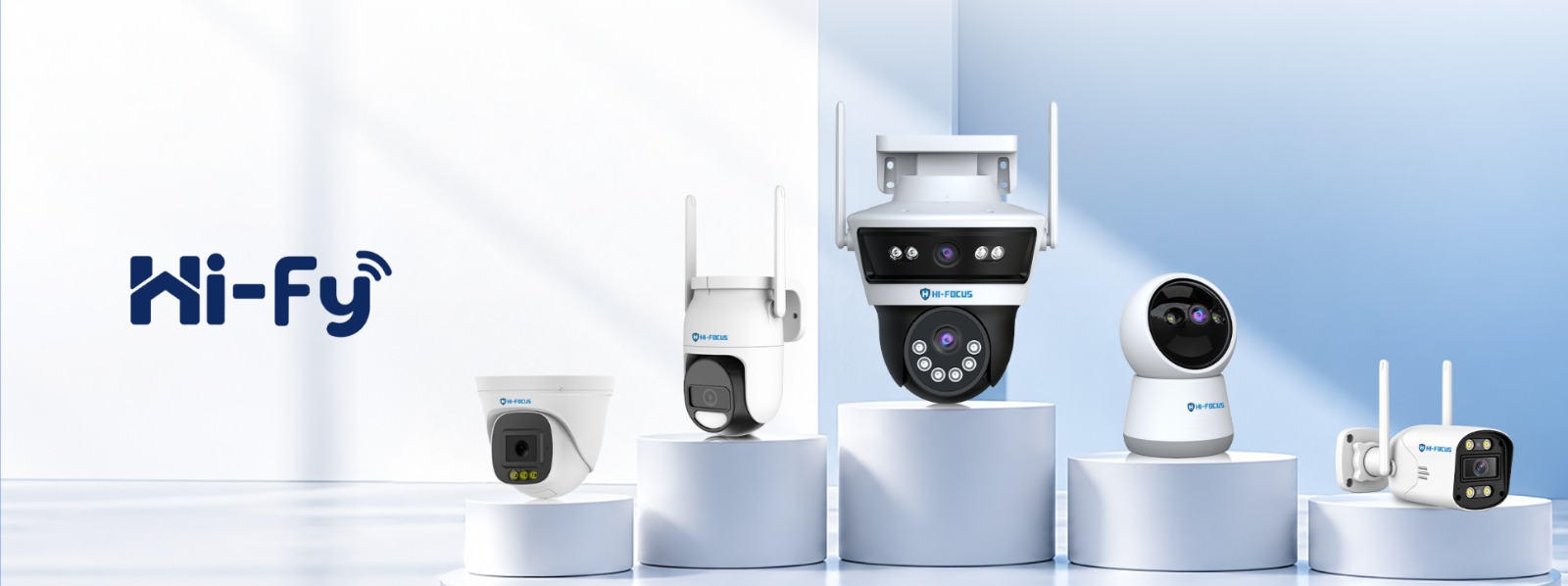
Hi-Focus is a Chennai-based Indian CCTV brand, and the HI-FY smart WiFi CCTV cameras are made in India with BIS-ER and STQC compliance. The range includes WiFi bullet, dome, pan tilt and dual lens models, and a 4G bullet camera for sites with no broadband. Features include dual-band WiFi, two-way audio, AI human detection, colour night vision, IP66 outdoor protection and SD card storage up to 512GB. Cloud storage starts at ₹199 a month, as explained in our cloud storage plans. For model details, see the Hi-Fy range introduction.
Ready to choose?
Match the camera to your space, your internet and your storage needs, and the decision gets simple. Browse the HI-FY range, or contact Hi-Focus for a recommendation for your home, shop or site.
Frequently Asked Questions
1. What is a smart WiFi CCTV camera?
It is a camera that connects to your router, streams live video to your phone and sends alerts when it detects activity.
2. Do smart WiFi CCTV cameras work without internet?
Cameras with an SD card usually keep recording locally during an outage, but live view and alerts need internet. For sites with no broadband, choose a 4G camera.
3. Do I need an NVR?
No. A camera can record to an SD card or the cloud. Add an NVR for central recording across many cameras.
4. What is the difference between indoor and outdoor cameras?
Outdoor cameras have weatherproof housings, such as IP66, and stronger night vision.
5. How many cameras does a home need?
Most homes start with two to four: the entrance, parking or balcony, and one indoor camera.
6. Which is better, WiFi or 4G?
WiFi suits places with stable broadband. 4G suits remote sites and needs a SIM with a data plan.
7. Should I choose pan tilt or dual lens?
Choose pan tilt to scan one large area. Choose dual lens to watch two areas at the same time.
8. Can WiFi cameras be hacked?
Any connected device carries some risk. Use a strong password, keep the app updated and buy certified cameras with encryption.