If you manage more than 16 cameras across a single location or have branches across multiple cities, you have likely faced this problem. The NVR interface is slow. Exporting footage takes too many steps. You cannot search for a person or vehicle without watching hours of video. And giving remote access to your team means sharing passwords that compromise security.
This is exactly where Video Management Software, or VMS, changes the game.
Most Indian businesses start with an NVR-based system because it is simple. Plug in cameras, connect a monitor, and you are done. But as operations scale, that simplicity turns into a bottleneck. A VMS fixes that by separating the software from the hardware, giving you a unified, intelligent, and scalable way to manage video across your entire organization.
Let us break down what VMS really is and whether your business needs one.
What is Video Management Software (VMS)?
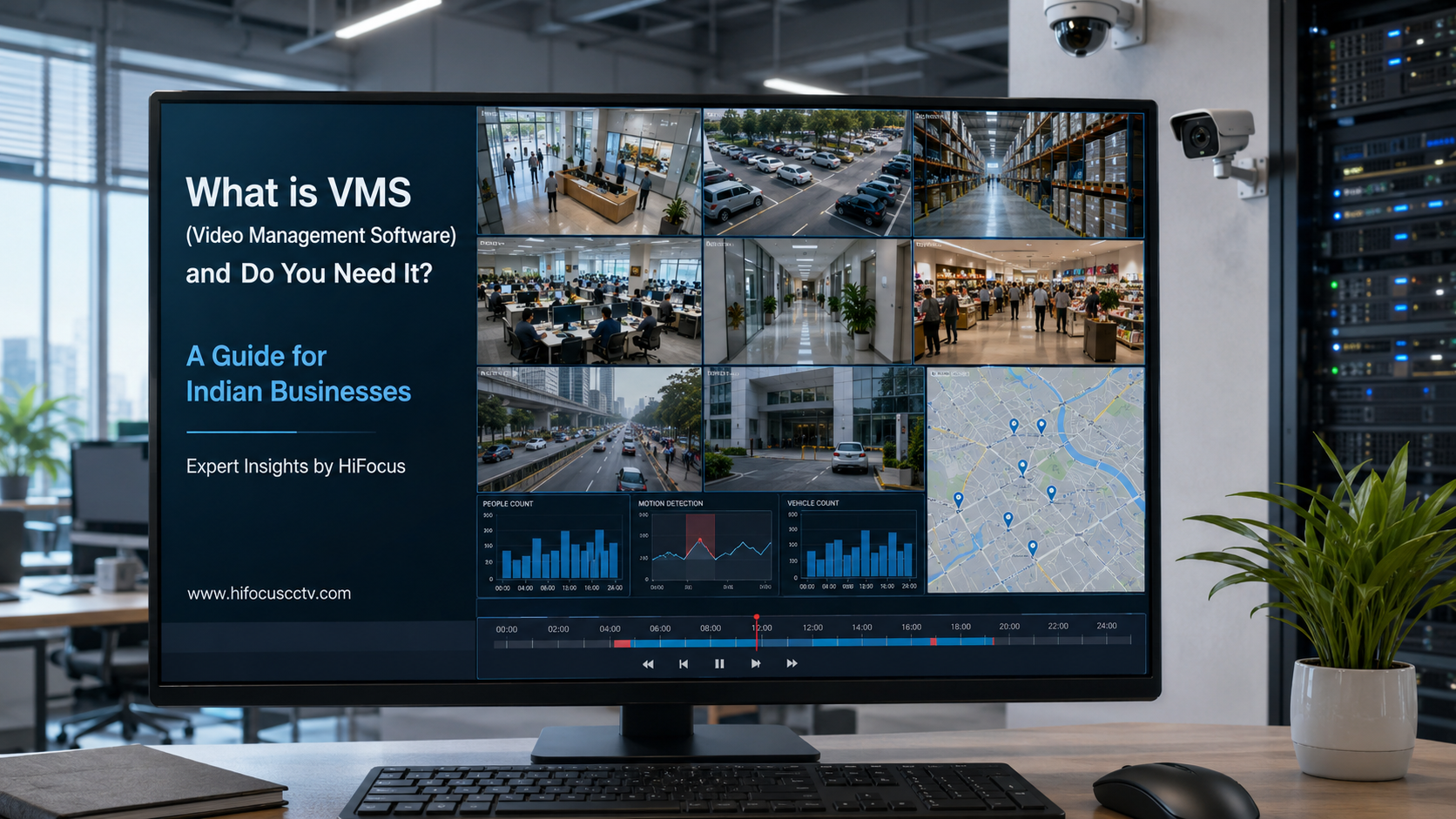
VMS is a software platform that manages, records, and analyzes video from multiple IP cameras regardless of the hardware manufacturer. Unlike a DVR or NVR, where the recording and viewing software is baked into the device, VMS runs on a standard server or even a cloud instance.
Think of it as the operating system for your surveillance ecosystem. It handles camera discovery, recording schedules, storage management, user permissions, live viewing, playback, and advanced analytics from a single dashboard.
In India, surveillance deployments in sectors such as manufacturing, education, retail, and government are increasingly adopting VMS because a single NVR cannot handle 100+ cameras, intelligent search, and multi-user access.
If you are planning a VMS deployment, explore HiFocus VMS Servers solutions designed for Indian conditions with built-in AI capabilities.
How VMS Differs from an NVR or DVR
This is one of the most common questions we hear from system integrators and business owners. Here is a simple comparison:
Factor | NVR / DVR | VMS |
Hardware dependency | Recording and software are on the same box | Software runs independently on a server or VM |
Camera limit | Typically, 8 to 64 channels per unit | Scales from 50 to thousands of cameras |
Storage management | Limited RAID support, local HDD bays | SAN, NAS, cloud, or virtual storage pools |
Multi-site support | Difficult; separate logins per NVR | Single pane of glass for all sites |
User access control | Basic password per device | Role-based permissions, audit logs, LDAP/AD integration |
Video analytics | Limited to basic motion detection | AI-powered search, ANPR, face recognition, and behavior analysis |
The key takeaway: An NVR is a recording appliance. A VMS is a security platform.
Top 5 Key Features of a Modern VMS
1. Centralized Multi-Site Management
A VMS allows you to view live and recorded video from all your locations on one screen. For a retail chain with 50 stores across India, this means the head office security team can monitor every location without logging into 50 different NVRs.
2. Advanced Video Analytics
Modern VMS platforms integrate AI modules for facial recognition, automatic number plate recognition (ANPR), loitering detection, and people counting. These features turn video from a passive recording tool into an active security asset.
For example, HiFocus VMS solutions include built-in analytics that trigger real-time alerts when an unauthorized vehicle enters a restricted zone or when a person crosses a virtual fence.
3. Scalable Storage and Redundancy
With a VMS, you can configure storage tiers. Keep 7 days of footage on fast SSD storage for quick playback, archive 30 days on HDD RAID arrays, and store 90 days on NAS or cloud. If one drive fails, the system keeps recording without interruption.
4. Role-Based Access and Audit Trails
Not everyone needs access to all cameras. A VMS lets you create roles. Security guards see live feeds only. Shift supervisors get playback access. Auditors get export logs. Every action is timestamped and logged for compliance.
5. Open Architecture and Integration
A good VMS supports ONVIF-compliant cameras from any brand. It can also integrate with access control systems, fire alarms, and Building Management Systems (BMS). This interoperability is critical for Indian enterprises that often run mixed-vendor environments.
Learn more about compatible devices across our full range of surveillance categories.
Do You Need VMS? A Decision Framework
Answer these five questions honestly. If you say yes to three or more, you likely need a VMS.
1. Do you manage cameras at more than one physical location?
2. Do you need more than 32 cameras across your deployment?
3. Do you require video analytics beyond basic motion detection?
4. Do multiple people need simultaneous access with different permission levels?
5. Do you need to store footage beyond 30 days with reliable backup?
For a single small office with 8 cameras, a good NVR is sufficient. But for a warehouse with 200 cameras, a hospital with 500 beds, or a school chain with 15 campuses, VMS is not a luxury. It is a necessity.
VMS Performance Considerations for Indian Conditions
Indian businesses face unique challenges. Power fluctuations, high ambient temperatures in server rooms, and the need to support multiple regional languages on the interface are real issues.
When choosing a VMS, verify that it supports:
Graceful recording recovery after unexpected power loss
Remote firmware updates for cameras across low-bandwidth connections
Local language support for operators who are not comfortable with English
Compliance with Indian data localization norms if using cloud storage
When to Choose VMS Over Cloud-Based Systems
Cloud VMS is gaining popularity, but for most Indian enterprises with large camera counts, on-premise or hybrid VMS makes more financial sense. Cloud bandwidth costs for 24/7 recording of 50+ cameras are still prohibitive for most Indian budgets unless you are using edge recording with cloud failover.
A hybrid approach works well. Record locally on a VMS server and push only alerts or short clips to the cloud for remote viewing and backup.
Download HiFocus CMS software and other free tools to get started with managing your HiFocus devices on your own server.
Not sure whether your current setup needs an upgrade from NVR to VMS? The right answer depends on your camera count, site, and analytics requirements. A quick discussion with a solutions engineer can save you months of regretting the wrong choice.
Frequently Asked Questions
What is the difference between VMS and CCTV software?
CCTV software is a broad term. VMS is a specific category of CCTV software designed for managing multiple IP cameras with advanced features like analytics, multi-site support, and user.
Can VMS work with existing cameras?
Yes, if your cameras are ONVIF compliant or support RTSP streams. Most IP cameras manufactured after 2018 support these standards.
Is VMS expensive for small businesses?
Entry-level VMS licenses are affordable for 16 to 32-camera deployments. Open-source VMS options also exist, though they require more technical expertise to deploy and maintain.
Do I need a powerful server for VMS?
For 50 cameras or fewer, a standard Intel i5 or i7 workstation with 16 GB RAM and a dedicated storage drive is sufficient. Beyond that, a proper server with RAID storage is recommended.
Can VMS run on the cloud?
Yes. Many VMS platforms offer cloud deployment. However, for Indian businesses with 30+ cameras recording continuously, on-premise VMS with cloud backup for alerts is more cost-effective.
Conclusion
Surveillance is no longer about recording everything and hoping you never need to search. It is about finding the right moment instantly, responding to threats in real time, and managing security across your entire business without friction.
VMS gives you that control. Whether you are a system integrator planning a large deployment or a business owner looking to upgrade from a basic NVR setup, understanding where VMS fits into your security stack is the first step toward smarter surveillance.
Why HiFocus for Your VMS and CCTV Needs
HiFocus is one of India's most trusted CCTV brands, offering end-to-end surveillance solutions including IP cameras, NVRs, VMS servers, PoE switches, and AI-enabled analytics. Our VMS Server range is built for Indian conditions, supporting multi-site deployments, seamless ONVIF integration, and advanced video analytics out of the box.
From the Gujarat Court network (6,000+ cameras) to JIPMER (800+ centrally monitored AI cameras) and Sify Technologies PAN India data centers, HiFocus VMS solutions power security for some of India's largest institutions.
Need help choosing the right VMS for your business? Our solutions team can assess your requirements, recommend the right configuration, and help with deployment.
Get in touch for a consultation or request a quote.